Clinical Trial Sites
This section guides you through the process of creating, updating, deleting, and managing Clinical Trial Sites on the Engagement Portal.
Prerequisites
Before creating/managing a clinical trial site, ensure you have:
- Logged into your SAHPRA Engagement Portal profile
- The Clinical Trial role assigned to your profile
Navigate to your Trial Sites
- Log in to the SAHPRA Engagement Portal.
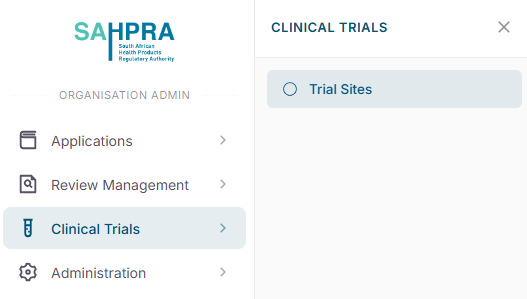
- Click on Clinical Trials in the navigation menu.
- Click on Trial Sites in the sub-menu.
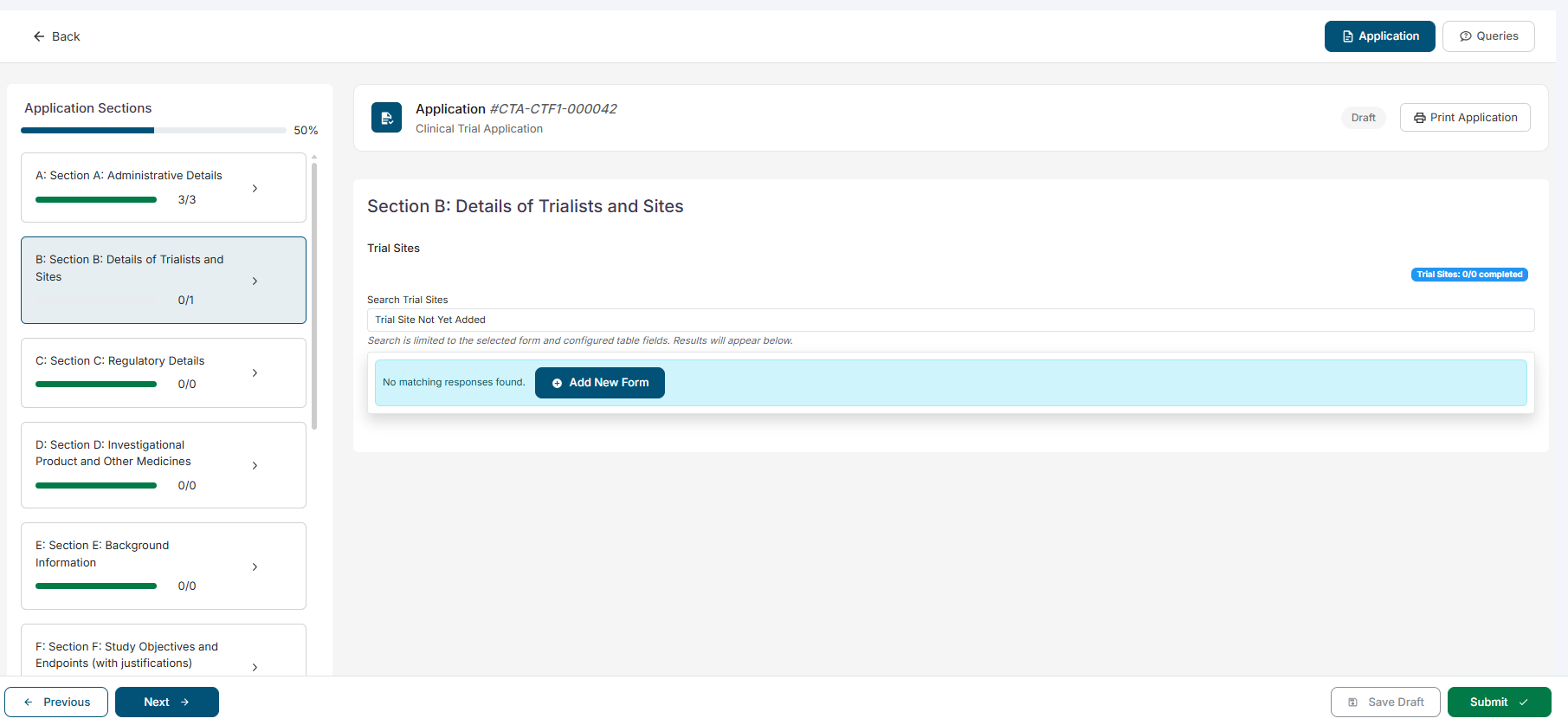
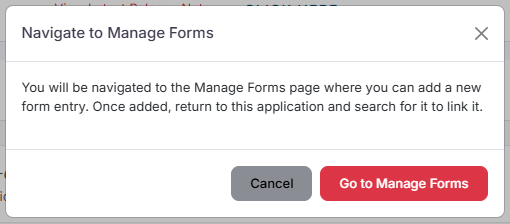
- When Searching for a Trial site in Section B of CTF1, and you cannot find the site you are looking for, click on the Add Form button to navigate to the Trial Sites page. A popup will appear to inform you that you will be navigating away from the current form.
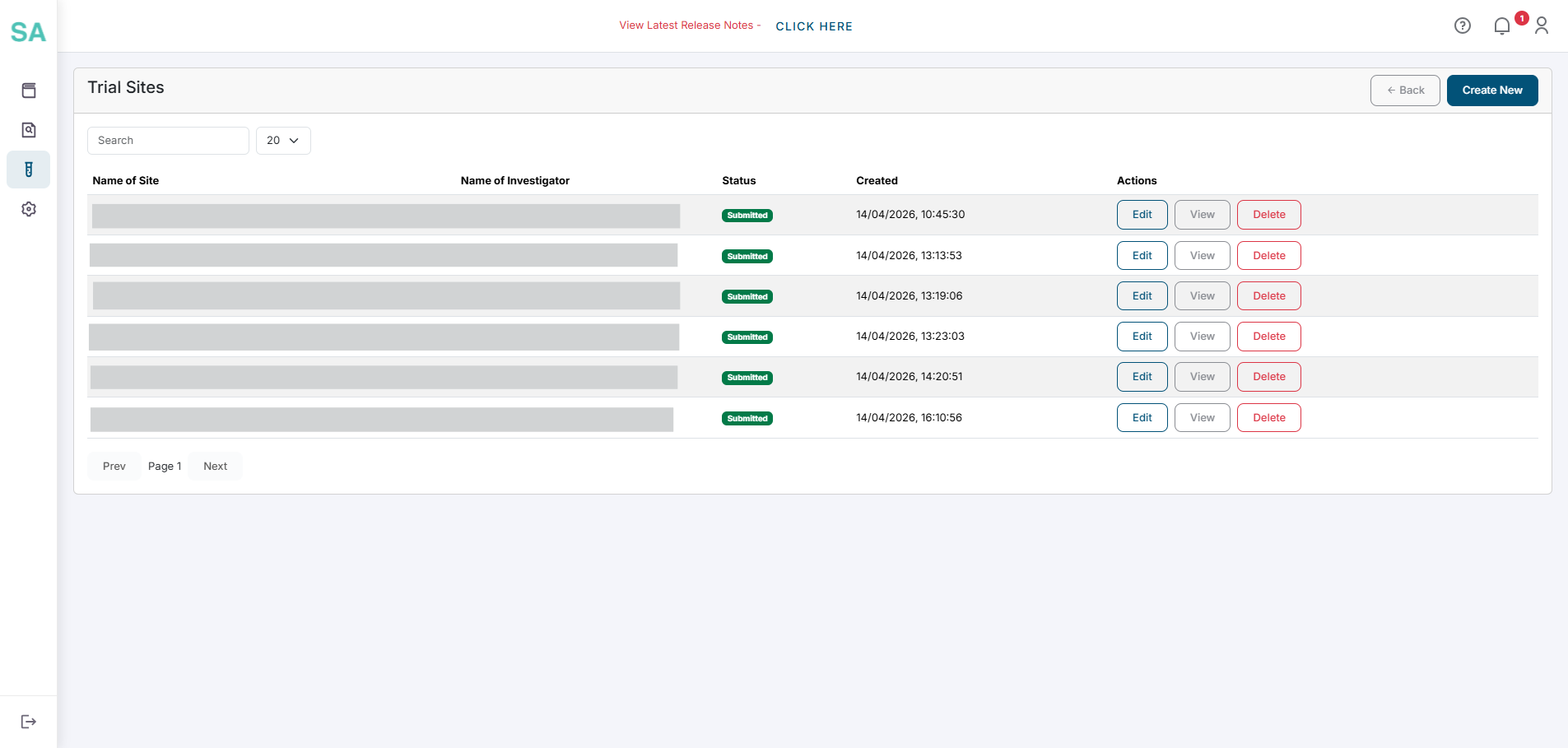
- You will then be navigated to the Trial Sites dashboard
Managing your Trial Sites
- Click on the Create New button in the top right corner of the Trial Sites page.
- Fill in the required fields in the form.
- Click on the Submit button to save the new trial site.
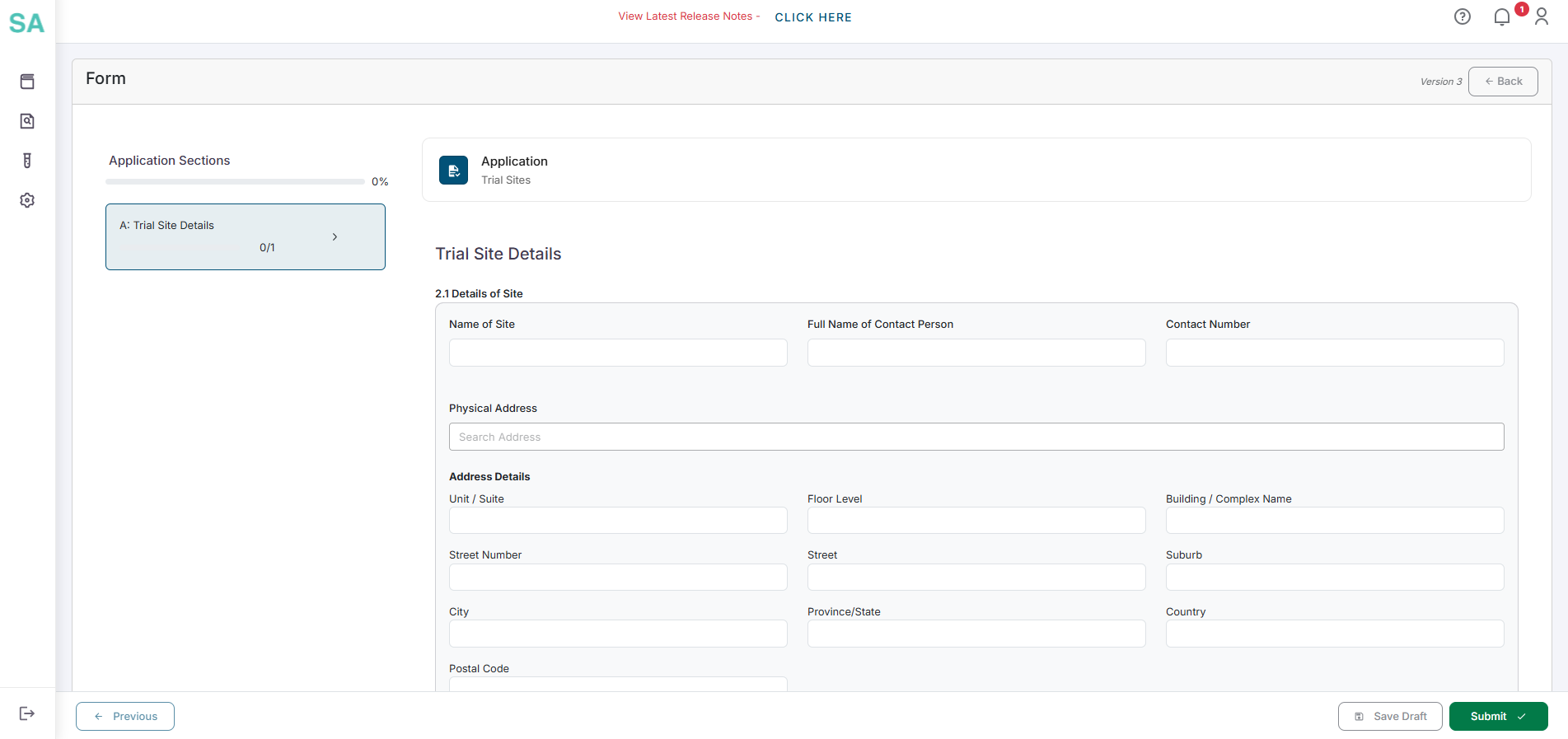
- Click on the Edit button next to the trial site you want to edit.
- Change the data you want to update.
- Click on the Submit button to save the changes to the trial site.
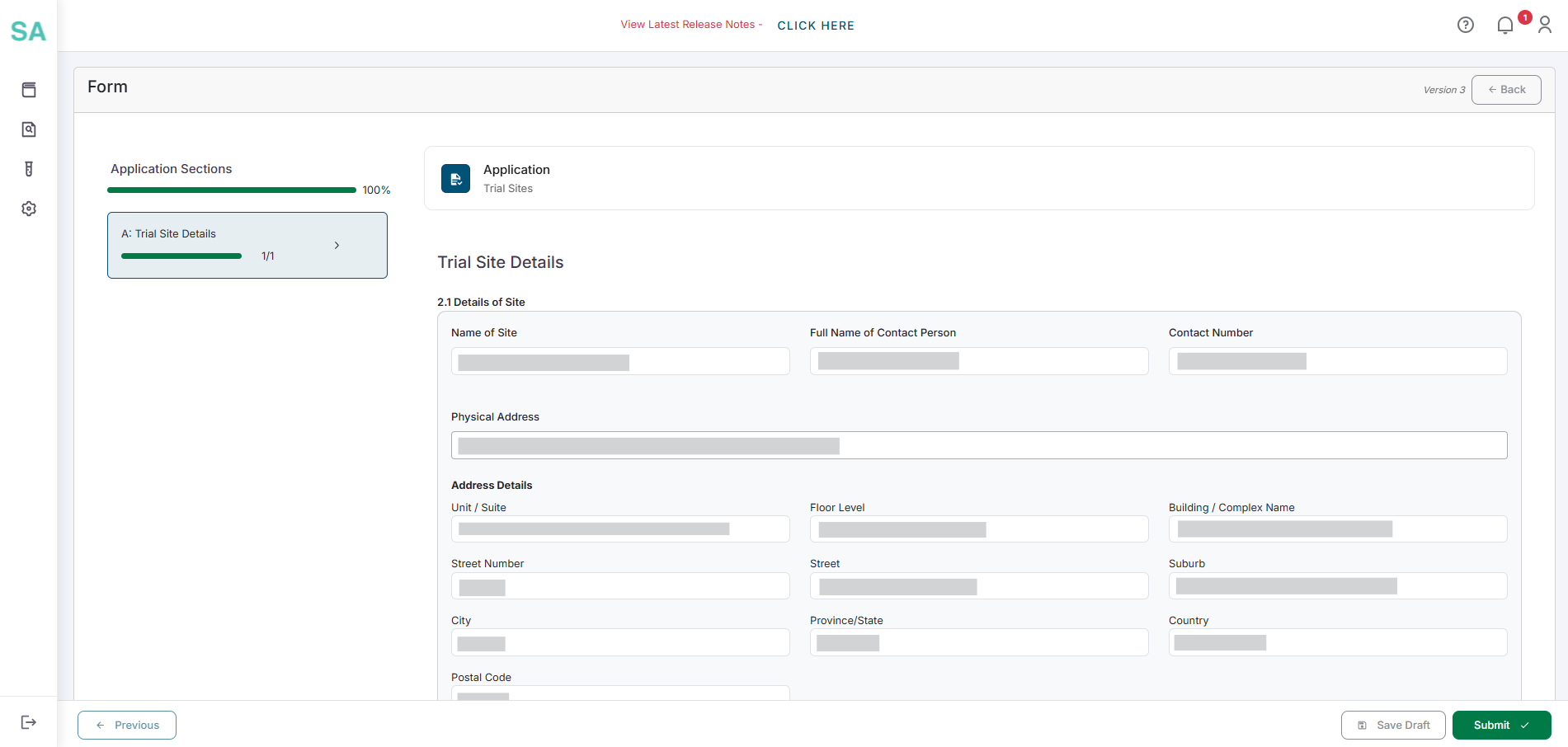
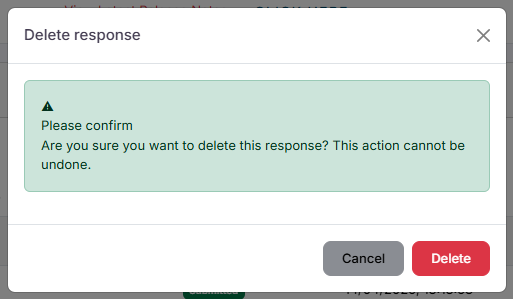
- Click on the Delete button next to the trial site you want to delete.
- A popup will appear to confirm the deletion.
- Click on the Delete button to delete the trial site.
Understanding Trial Site Statuses and Linking
Because Trial Sites are managed on a separate Master List, it is important to understand how saving, submitting, and linking them to your main applications works.
1. Save Draft vs. Submit
When creating or editing a Trial Site on the master list, you have two options: * Save Draft: This saves your progress so you can come back and finish it later. Important: Draft trial sites are not visible when searching inside a CTF1 application. * Submit: This finalizes the trial site details. Once a trial site is submitted, it becomes active and can be searched for and linked inside your CTF1 application.
2. Linking a Trial Site to an Application
When you are working inside Section B of a CTF1 application, you can search the master list for active trial sites. * You can only link trial sites that have been “Submitted”. * You cannot create a new trial site directly inside the CTF1 form. If the site you need does not exist, you must navigate to the Trial Sites master list to create and submit it first.
3. How Updates Affect Submitted Applications
Once you submit your CTF1 application, the sites added to your trial will be permanently saved to that application. Changing any information about those trial sites on the master list in the future (for example, updating an address) will not change the information on your already submitted CTF1 application.